
Cleanout field guide
How to prepare for your office cleanout service
Desks, leased copiers and personnel files can't share one haul tag. Here's how office managers settle sign-offs, IT holds and elevator slots first.
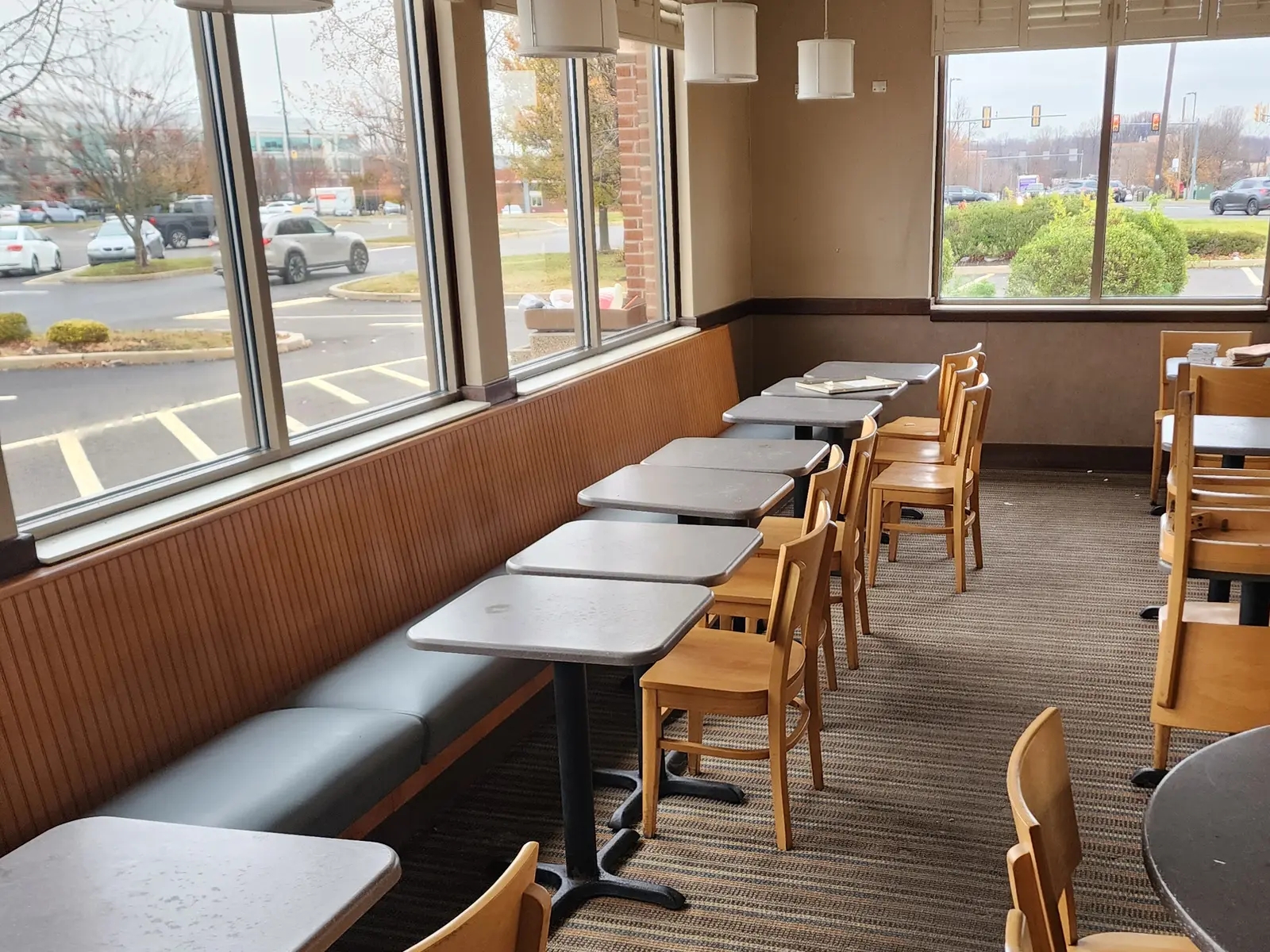
A bruised laminate desk and a leased digital copier can share the same wall in a closing suite. Once its owner signs off, the desk can go on our truck. The copier's hard drive can still hold stored or copied documents, so FTC guidance calls for securing its data before the machine leaves [1].
An office cleanout runs smoothly when your team separates outgoing furniture from leased gear, paper records and unwiped computers first. You'll also want building dock or freight-elevator hours settled and one point person holding a tagged room list. From Barto, One Call Clean Out hauls cleared office furniture and equipment across Berks, Montgomery, Lehigh and Bucks counties.
One shared list stops hallway debates on pickup day. Building management gets the load details to book your dock and freight elevator, private files stay locked up, and our crew knows what's leaving.
In this guide
Who signs off on desks, leased gear and files
Three items sharing a corner office rarely answer to the same person. A conference table from a closing team, a vendor's postage meter and a departed manager's boxed awards each need a different green light.
Going room by room works better than letting whoever sits nearest wave furniture onto the pile. A short ID on your sheet and the same code on painter's tape mean everyone knows it's the four-drawer cabinet in Room 2 that goes, not its twin down the hall.
Photos alone can hide how office furniture is built into a floor. A freestanding desk lifts right out. Linked cubicles wired into floor power or bolted wall shelving don't, so your facilities lead or a trade pro has to unhook those first.
When a lease is ending, your landlord's return rules belong right beside that room list. Movers relocate the desks you're keeping, our crew hauls the surplus, and outside trades handle wall patching while your lease contact turns in the keys.
Each category below needs its own status and sign-off owner on your sheet.
| Item or group | Status to choose | Decision to record |
|---|---|---|
| Furniture the business owns | Keep, transfer or remove | Department or asset owner sign-off and where it goes |
| Leased or vendor-owned equipment | Return or hold | Lease contact and agreed return plan |
| Paper records | Keep or records hold | Person who decides retention and any approved destruction route |
| Computers, copiers or storage devices | IT hold until released | IT owner's sign-off on the approved next step |
| Personal belongings | Employee pickup or hold | Named person and pickup plan |
Keep personnel drawers shut when you take estimate photos, so private files never end up in a picture.
Signed-off sheets are what our office cleanout service crew works from: what's cleared to haul and what stays put. Paper files and storage drives need their own release track before pickup day.
Text Justin photosHow to handle paper files, drives and leased copiers
A dusty desktop tower in a back closet can still hold payroll spreadsheets or client contracts long after everyone forgot its password. Your IT lead should count it with the other computers, mobile phones, thumb drives and digital copiers, which Federal Trade Commission inventory guidance groups right alongside paper files [2].
1. Held for IT or records
List the manager or IT lead who signs off before a file box or device moves.
2. Cleared to leave the suite
Note where approved gear goes and whether a vendor or our crew takes it.
Before anyone boxes up files, your records lead checks every cabinet against a written policy on what to keep, how to protect it, how long to hold it and how to dispose of it, the kind FTC guidance calls for [2]. Your policy and your adviser set that retention clock, so pickup day never rushes it.
Why leased copiers belong on IT's checklist
Digital copiers keep scanned and copied pages on internal hard drives, and FTC guidance puts data security ahead of return or disposal [1]. Your IT lead and the vendor settle who clears that drive and what proof you'll get.
Your leasing vendor can tell you what condition the copier must be in at return and which trays, cords or parts go back with it. Pulling the hard drive yourself can damage the machine, the FTC notes, so leave drive work to a qualified tech.
Five checks before sensitive items leave
- Before any file drawer is emptied, your records owner signs off on what stays and what gets shredded.
- IT clears every computer, phone and thumb drive.
- On leased copiers, postage meters or water coolers, your lease contact checks who picks them up so they stay off our load.
- Locked closets hold unreleased files away from outgoing desks.
- Written agreements with your shredding or IT vendor spell out any certificates your business requires.
Those vendor contracts are also the place to write in data-security duties, as FTC business guidance recommends [2].
Here's where our part ends. One Call Clean Out carries things out. It doesn't shred records or wipe drives. Our hauling invoice lists what equipment left the suite. Your IT log records how each drive was wiped and verified, and NIST's September 2025 media-sanitization guidance covers what that log tracks: the device ID, the method, the tools and how the wipe was verified. The two papers answer different questions, so file them together.
Say IT clears a numbered laptop for recycling after those checks. Its asset tag should match your pickup sheet, and an untagged spare goes right back on hold. Even after IT signs off, Pennsylvania still regulates where business electronics can legally go next.
Where business monitors and computers can go in PA
A county drop-off day that takes a home monitor can turn a company van around at the gate. Business loads face stricter rules.
Before a load goes out, your recycler needs your business device types, counts, condition and who's delivering them. You'll also want their fee and receipt terms upfront. Pennsylvania DEP's electronics guidance separates covered devices from program rules, so a yes on towers doesn't cover every cracked monitor.
Under Pennsylvania's Covered Device Recycling Act, covered computers, monitors and their parts can't enter municipal solid waste [3]. Your recycler can tell you which business units count, and the law's definitions decide the gray-area gear.
Why Berks County turns away business monitors
Berks County's 2026 schedule requires appointments for business or institutional loads and doesn't accept televisions or monitors from businesses [4]. A resident flyer isn't a business plan, so line up your recycler before listing screens.
Your sheet should name the recycler, accepted models, who hauls them and any needed receipt. Declined screens wait on hold for another outlet.
Get my estimateFreight elevators, loading docks and corridor rules
Your suite can sit tagged and ready at 8 a.m. while the building's only freight elevator is locked for another tenant. Property management's dock, parking and elevator answers have to come before you pick a hauling window.
1. Tagged suite list
Rooms, desks, cabinets and cleared electronics on our load.
2. Building entry plan
Loading door, truck parking and reserved elevator hours.
Six building details to settle upfront
- Loading door, dock bay and who unlocks them.
- Whether the freight elevator needs a reservation, building operator or protective wall pads.
- Allowed hauling hours around neighboring suites.
- Insurance forms or vendor paperwork property management wants before arrival.
- Indoor staging spots clear of hallways and exits.
- One on-site contact reachable if a dock gate is locked or a tag is missing.
OSHA workplace rules require exit routes to stay free and unobstructed at all times, even during temporary staging [5]. Stacked file boxes, surplus chairs and donation piles can't block hallways or fire doors while your suite waits on a truck. Property management can point out an indoor holding room instead.
Wide photos of corridors, stairwells and the loading bay help our crew plan tight turns before pickup day, with live screens kept out of frame. Where part of your office stays open, closed suite doors and clear stay tags keep haulers out of active work areas and visitor paths.
Vendor order shapes the whole morning when a building has one freight elevator. IT may need to pull live network gear first, movers load the desks you're keeping second, and our crew clears the leftover furniture last. One shared dock schedule keeps two trucks from fighting for the same bay.
As staff empty supply rooms and janitor closets toward that staging area, old maintenance jugs can turn up on back shelves. One Call Clean Out doesn't take pesticides, insecticides, antifreeze, explosives, acids, paint thinner or most heavy chemicals. Questionable containers stay off our list.
On-site walkthrough, office pricing and final sign-off
A room sheet can list six conference chairs while eight actually sit around the table. One point person walking the suite with tags in plain sight can clear those extra two before they touch the truck. Staying desks and off-limits suites get pointed out first. Any locked cabinet or untagged laptop waits in your hold corner with a follow-up name. Nothing leaves on a guess.
Sometimes the extra pieces turn up after the first trip.
"We had them back for additional things and gave us an estimate from pictures. The crew was really friendly and efficient!" (Marti Carroll, Google review)
One Call Clean Out quotes every job in two steps. First, call or text suite photos to (484) 714-0484, or send our form, and you'll get an estimated range. Then, at the on-site walkthrough, Justin Erb checks your tagged rooms and sets the final price before anyone lifts a desk [6].
Before the crew lifts
- Tagged items and carry path checked together
- IT, file and lease-return holds pointed out
- One on-site contact named for changes
- Expected room condition clear on both sides
Before our trucks pull out
- Cleared suites checked against your room sheet
- Held devices and staying desks untouched
- Approved day-of add-ons or holds written down
- Follow-up cleaning, patching or trades assigned
When your list is ready, send your office details. For the suites that stay open, our commercial office organization guide picks up where this one ends.
Text Justin photosQuestions about preparing for an office cleanout
Who should approve items before an office cleanout starts?
Each category on your office list needs its own decision-maker rather than casual requests from individual desks. A department head can clear owned chairs, while IT signs off on computers and copiers and a records lead handles paper files. Short sheet IDs matched to tape tags on cleared furniture keep your contact and our crew aligned.
How should an office clear computers, copiers, and paper files before pickup?
IT and your records owner should review computers, mobile devices, thumb drives, digital copiers and paper files under written company rules before pickup. Closed drawers keep personnel files out of estimate photos. Approved electronics get priced separately, with Justin Erb's planning range at $200 to $600 and tube TVs higher.
What should we flag about bolted cubicles or wired office fixtures?
Bolted cubicle panels, floor-wired workstations and wall-mounted fixtures belong in your initial notes because they don't lift out like freestanding desks. Your facilities team or a qualified trade pro can handle any electrical or structural unhooking before One Call Clean Out arrives.
What building and lease details should be settled before an office walkthrough?
Your landlord's lease-return checklist and building management's rules on freight elevators, loading docks and work hours should sit right beside your item list. Different teams often handle moving kept desks, hauling surplus furniture, patching walls and turning in keys. Clear roles ahead of time keep pickup day calm and on schedule.
Sources and further reading
- Federal Trade Commission. Digital Copier Data Security: A Guide for Businesses
- Federal Trade Commission. Protecting Personal Information: A Guide for Business
- Pennsylvania General Assembly. Covered Device Recycling Act, section 506
- Berks County Solid Waste Authority. Electronic Recycling Center, 2026
- Occupational Safety and Health Administration. 29 CFR 1910.37, Maintenance, safeguards, and operational features for exit routes
- One Call Clean Out. One Call Clean Out cleanout estimate process
Business details supplied by Justin Erb, November 2026.
LIMITED-TIME OFFER
Year-end special: save $25 or $75 on your cleanout.
Take $25 off any job of $200 or more, or $75 off any job of $500 or more.
Through December 31, 2026. One discount per job. Job totals count before any resale credit.
Ready when your office list is
If someone passed along our number, that's how most of our work arrives: past customers calling back and the people they recommend us to. The crew drives out of Barto to offices across our four counties and stops short of Philadelphia.
Then pickup day looks the way you planned it. The bruised laminate desk rides the freight elevator down to our truck, the leased copier waits for its vendor, and the locked file cabinet stays right where it is until your records lead says so.